
Account Balance
View your credit balance, add funds, and manage payment methods
The Wallet page centralizes management of account credits, top-up channels, and referral rewards. After logging in, click "Wallet" in the left navigation bar to access it.
Balance Overview
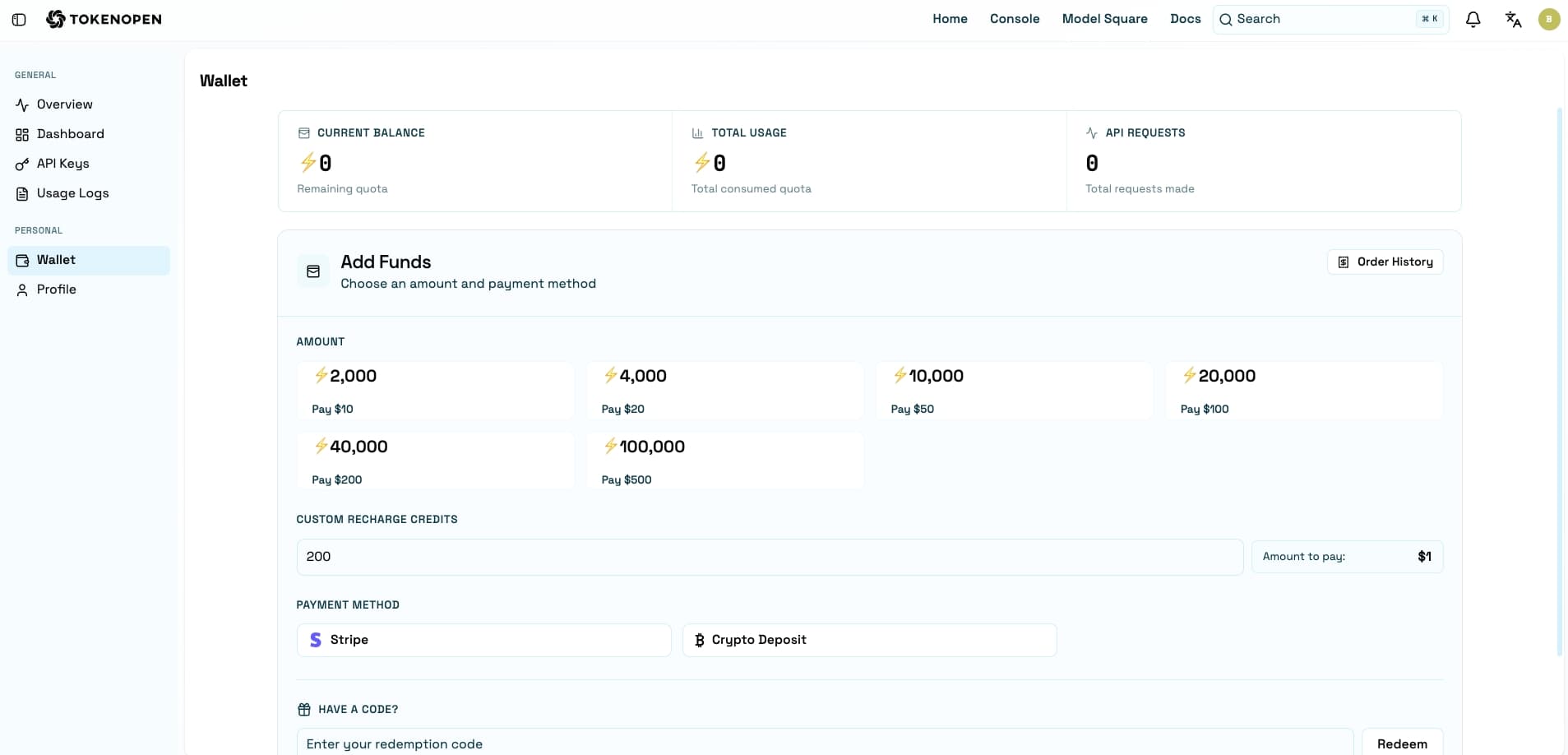
The top of the page shows your account's key metrics:
| Field | Description |
|---|---|
| Current Credits | Available credit balance in the account |
| Total Usage | Cumulative total credits consumed by the account |
Add Funds
Click "Add Funds" to enter the top-up flow. The following payment methods are currently supported:
Stripe
Pay online using a credit or debit card via Stripe. Credits are automatically added to your account once payment is confirmed.
Cryptocurrency
Top up using cryptocurrency. Credits are automatically credited once the on-chain transaction is confirmed.
Arrival times may vary by payment method. Cryptocurrency top-ups depend on on-chain confirmations.
Redemption Codes
If you have a platform redemption code, enter it in the "Redemption Code" section on the Wallet page to redeem credits instantly.
Referral Program
Each account has a unique referral link. Invite friends to register and make purchases to earn referral credits.
- Find the "Referral Program" section on the Wallet page
- Copy your exclusive referral link or code and share it with friends
- After your friends register via your link and complete a top-up, referral credits are automatically added to your account
Last updated on